Stop AI Art Drift: Keep Styles Consistent Across Projects
Tired of inconsistent AI art styles? Altplayer’s Image Studio maintains visual consistency with style presets and seed tracking. Fix drift in 60s.
Why AI Art Drift Kills Your Workflow
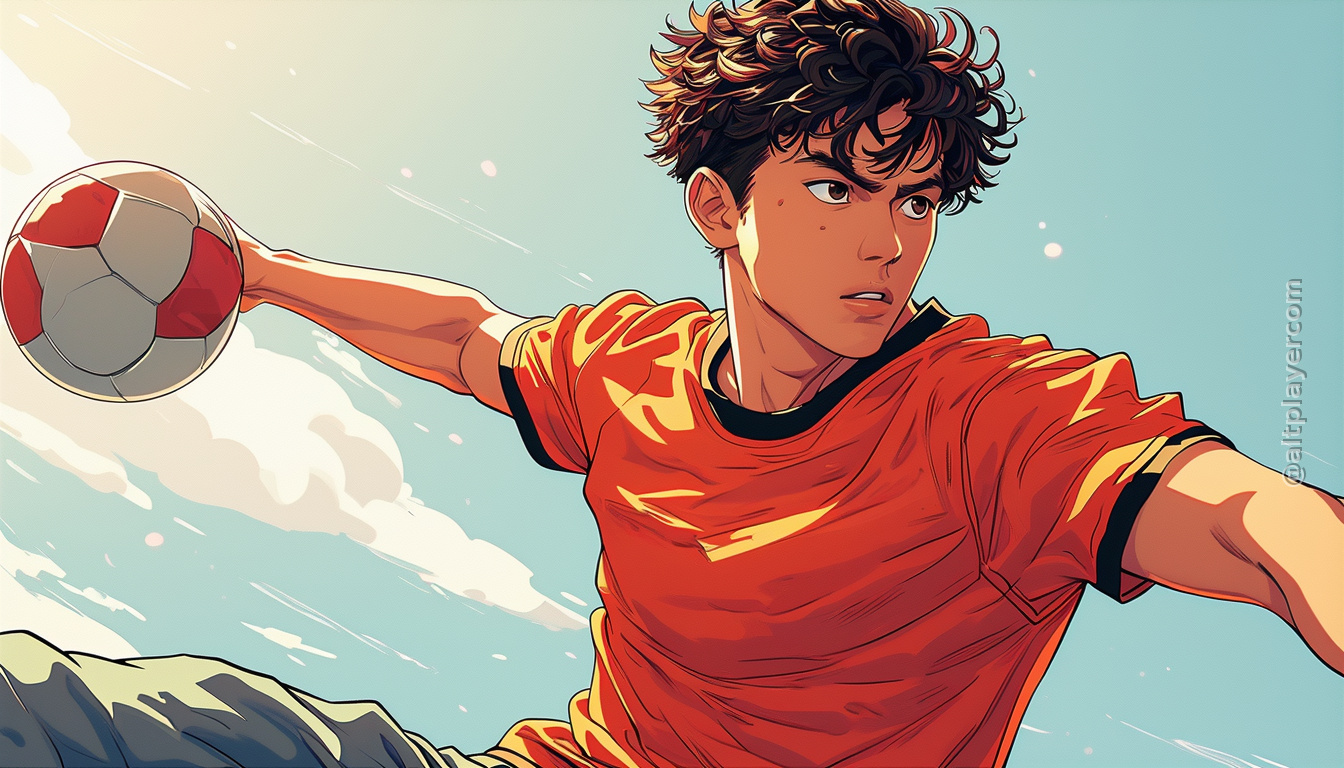
You’ve spent hours crafting a vibrant manga character with perfect proportions and expressive eyes. Then, when you generate the next panel, the character’s eyes look flat, the line art becomes too heavy, and the color palette shifts unexpectedly. This isn’t just frustrating—it’s a productivity killer. AI art drift happens when tools lack consistency tracking, forcing creators to restart workflows or manually fix inconsistencies across dozens of assets.
The problem? Most AI tools treat each image generation as a standalone task, without linking styles, seeds, or artifacts. For indie creators juggling multiple projects (manga, visual novels, card games), this inconsistency adds hours of cleanup work and risks breaking your project’s visual integrity.
Altplayer’s 3-Step Consistency Fix
Altplayer solves this by treating style as a reusable asset—not a one-off prompt. Here’s how:
1. Define Your Style Preset
Start by creating a Character & Style Management preset in Altplayer. This isn’t just a style guide—it’s a living blueprint. Define your character’s proportions, color palette, line weight, and even subtle brush textures. For example, a manga creator might create a ‘dynamic action style’ preset with bold outlines, expressive eyes, and neon accents. This preset becomes the foundation for all future assets in your project.
2. Track Seeds for Reproducibility
When you generate an image, Altplayer’s Image Generation Studio captures the exact seed value used. This is your secret weapon for consistency. If you generate a character panel with seed 4237, you can later regenerate identical art by using the same seed. No more guessing what prompt tweaks caused a style shift.
3. Reuse Artifacts Across Projects
Altplayer’s persistent artifact library stores every generated image, style preset, and seed. A card game designer can reuse a character’s style preset from a previous manga project, or a visual novel writer can pull a consistent background style into their scene generator. This eliminates redundant work and ensures your visual language stays unified.
Real-World Example: Consistent Manga Characters
Let’s say you’re building a 10-issue manga. In the first issue, you generate a character with a ‘cyberpunk’ style using Altplayer’s Image Studio. You set the seed to 7890, save the style preset, and store the artifact. When you generate the second issue’s panels, you simply reference the same preset and seed. The result? Every character panel maintains the same line weight, color scheme, and stylistic flair—no manual adjustments needed.
This workflow saves 20+ hours per project. Instead of fixing inconsistent art, you focus on storytelling and production.
Why This Matters for Indie Creators
For solo creators or small teams, consistency isn’t a luxury—it’s a survival tool. When your art drifts, it breaks trust with your audience. Altplayer’s approach cuts the time spent rebuilding visual systems and lets you ship more ambitious projects without a studio budget.
By treating style as a managed asset—not a random prompt—Altplayer turns AI art from a chaotic experiment into a reliable pipeline. You stop fixing drift and start creating.