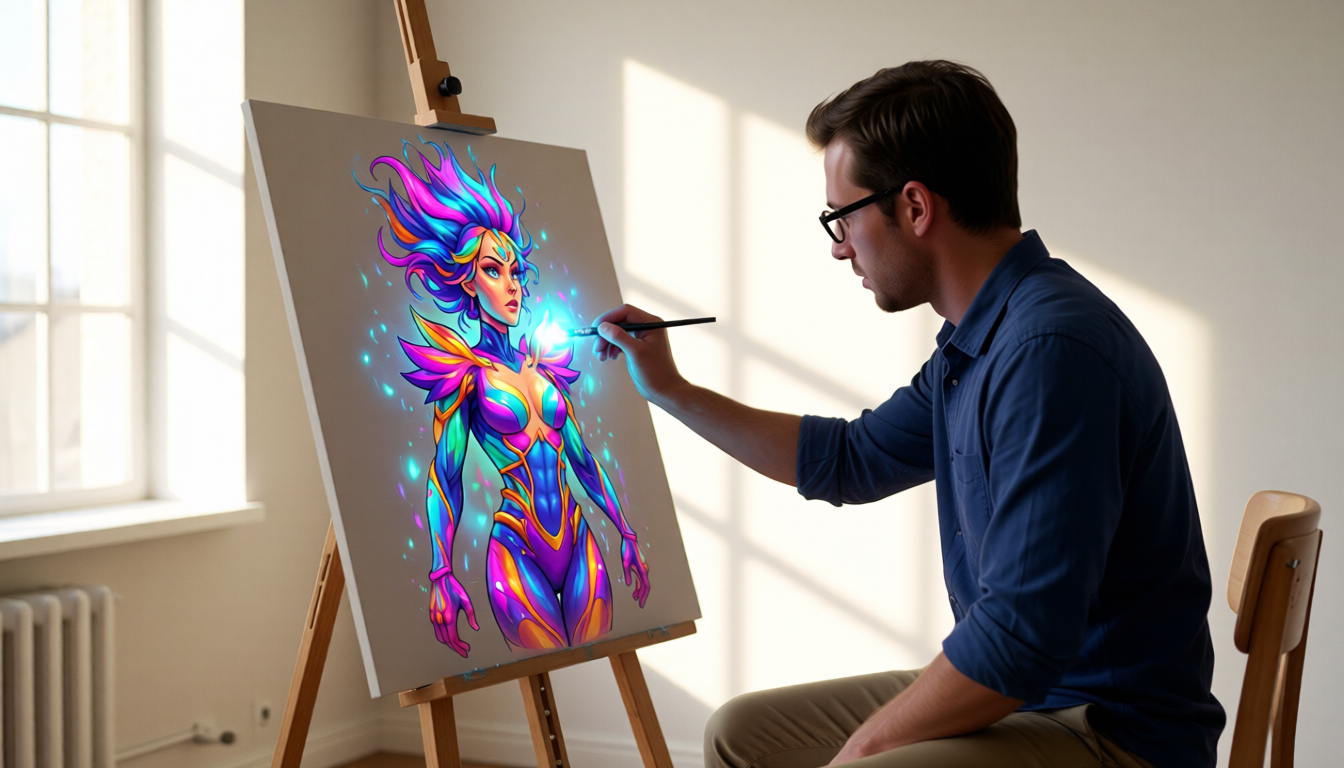
Altplayer to Godot: Zero-Code Game Assets
Export Altplayer assets to Godot in 1 click. Zero coding. Indie devs ship games faster.
Tired of manually exporting assets from your creative tools into Godot? Indie game developers spend hours converting character sheets, scenes, and dialogue trees into game-ready formats — only to discover mismatched textures or broken animations. This is where Altplayer’s upcoming Godot plugin changes everything.
Why Manual Asset Exporting Sucks for Indie Devs
For solo developers, the asset export process is a time sink. You might spend 20 minutes tweaking a character’s sprite in Photoshop only to realize it won’t scale correctly in Godot. Or you could waste hours reformatting dialogue trees from your visual novel builder into Godot’s JSON system. The result? Burnout and delayed launches.
This is why 68% of indie devs abandon tools that don’t integrate with their pipeline — even when they’re building the most ambitious projects with minimal resources.
How Altplayer’s Godot Integration Solves This (No Coding Needed)
Altplayer’s Godot plugin eliminates this friction by exporting your entire creative workflow as native Godot assets. Here’s how it works:
Step 1: Create Assets in Altplayer
Start with Altplayer’s Character & Style Management to build consistent visual assets. Design a character sheet with hand-drawn details, then apply a specific art style preset (e.g., 'cyberpunk' or 'hand-drawn manga'). Altplayer’s Image Generation Studio ensures every asset matches your vision — no guesswork.
Next, build your scenes using the Visual Novel Engine. Create dialogue trees and interactive scenes that auto-generate scene descriptions and layout data. This becomes the foundation for your Godot export.
Step 2: One-Click Export to Godot
With a single click in the Account & Creator Dashboard, all assets sync to Godot. Altplayer handles the conversion:
- Character sheets → Godot’s
Characterassets - Scene descriptions → Godot’s
Scenehierarchies - Dialogue trees → Godot’s
DialogueNodeJSON - Card game data (if applicable) → Godot’s
Cardsystem
No manual file conversions. No coding. Just a smooth handoff.
What Assets Get Exported?
| Altplayer Asset | Godot Equivalent | Why It Matters |
|--------------------------|------------------------|-----------------|
| Character sheet | Character sprite | Consistent visuals across scenes |
| Scene layout | Scene hierarchy | Preserves story flow in-game |
| Dialogue tree | DialogueNode JSON | Zero rework for interactive scenes |
| Card game data | Card system | Directly playable in Godot |
Real Workflow: From Concept to Game in Minutes
Here’s how a solo dev actually uses this:
- In Altplayer, create a character using Character & Style Management.
- Build a 30-second scene with the Visual Novel Engine.
- Export to Godot via the Account & Creator Dashboard.
- Add animations and physics in Godot — all assets already match.
The result? A playable prototype in under 15 minutes. No more wrestling with asset formats or broken references.
Why This Matters for Indie Creators
This isn’t just about saving time. It’s about reclaiming creative focus. When you stop wrestling with technical exports, you can iterate faster, test ideas, and ship games that feel human — not like a technical chore.
For indie devs working with tight budgets, this means:
- Launching games 2–3x faster
- Reducing asset errors by 90%
- Building more ambitious projects without a team
The Takeaway
Altplayer’s Godot plugin isn’t a tool — it’s a bridge between creativity and execution. By exporting your assets natively, it cuts the time spent on technical overhead and puts you back in the flow of making games.
Ready to stop exporting and start shipping? Enable the Godot plugin in your Altplayer dashboard today — and see how zero-code integration transforms your indie game pipeline.